March 28, 2025
One rule applies to everything: blend in well and look as legitimate as possible: not just for automated tools but for people as well. Try to think like the person who configured the filters.
Infrastructure
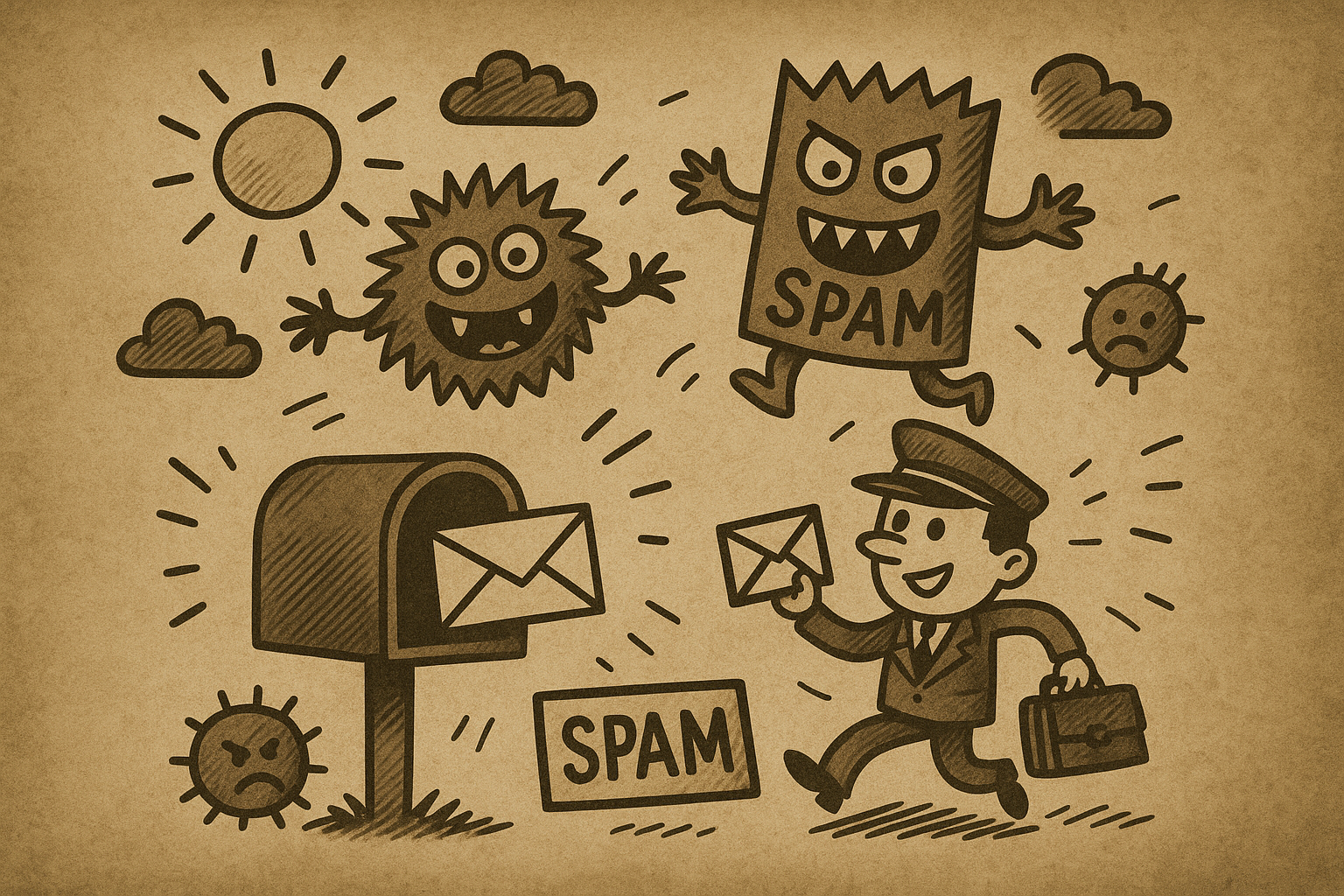
SMTP headers can be very complex. In my first campaign, the easiest solution was to use a Microsoft 365 address and configure it properly. The Outlook client sends SMTP headers that are commonly associated with Outlook emails. Since Outlook is the most widely used email client in enterprise settings, most tools are familiar with its headers. That’s why I didn’t even attempt to write custom Python code to communicate with the target’s SMTP server directly. I didn’t need to understand every header, I just needed to land in the Inbox, not SPAM.
DKIM, SPF, and DMARC configurations are non-negotiable. Without these, expect no hope of avoiding SPAM.
Other solutions, such as SendGrid or SMTP2GO (we have no affiliation with them), can also be viable. Companies like these typically provide API endpoints, allowing you to automate emails through code. Their bread and butter is just what we need: they wouldn’t stay in business if their emails constantly landed in SPAM. However, if you choose a solution like this, ensure you get permission first, as they may have rules you need to follow. The same applies to website hosting.
From Address
Domain
It goes without saying that using free email providers such as “@gmail.com” or “@outlook.com” are out of the question.
A domain like “something.onmicrosoft.com” can work, as onmicrosoft.com email addresses are still fairly common, and block listing all of them would be excessive.
However, I used custom domains. Probably the most important factor here is domain age. While it’s difficult to determine the exact age requirement, I would never start a phishing campaign with a domain younger than three months. You either need to prepare ahead by registering domains in advance or purchase an expiring domain. Domains expire daily. Make sure you’re aware of the ethical considerations when targeting expiring domains because some of them may be still in use.
Categorization
There are third-party categorization databases where people report phishing sites. I suspect security tools use these databases to identify dangerous domains. However, these databases also categorize legitimate websites, such as those in the finance sector.
In our case, we did not want our site’s traffic to be flagged, so we categorized each domain under a category that typically handles sensitive data (such as Finance). To support this categorization, I created a main web page that aligned with the chosen category.
We also suspected that before receiving our malicious email, an automated system performed a category check on the domain. However, we had no concrete proof of this.
Local Part
I recommend coming up with an alias, such as “John Doe,” and creating email addresses based on that name, like jdoe, john.doe, or johndoe.
I found that using local parts like “noreply” or “info” resulted in emails landing straight in SPAM.
Content
I noticed that emails containing links were more likely to end up in SPAM.
To mitigate this, I followed a friendly, conventional corporate tone in the greeting and used a simple signature with a job title.
In most cases, plain text emails without URLs (even in an HTML format) were more likely to land in the Inbox. A useful strategy is to send a follow-up email with a link only after the recipient replies. This requires prompting them to respond in the initial email. I did not do this, but this was my last resort strategy.
I also suspected that certain words in emails with links were on blocklists. Without going into too much detail, I would advise against using obvious UUID trackers in URLs or overly sales-oriented language in the text.
URL
In my experience the link was allowed if the system did not deem it malicious. A simple questionnaire was sufficient, I just had to hide the Login form in another page which was not checked automatically. Of course, you can check what the bot checked automatically in the web server logs.
Timing and Number of Emails
Sending a large burst of 1,000 emails at once would almost certainly trigger SPAM filters. Instead, I followed these practices:
- I sent emails at times when a human would typically send them: during work hours
- I limited the number of emails sent at a time to remain under the radar
- I introduced delays of 30–60 minutes between emails, even taking “lunch breaks” occasionally, though not every day
Explore the Latest in Cybersecurity
Stay ahead of cyber threats with insights from the Naunet blog. Our experts share their knowledge on the latest cyber defense trends, techniques, and technologies. Whether you want to deepen your understanding or apply new strategies, our blog is your go-to resource for reliable, expert-backed content in the cybersecurity domain. Join our community of professionals and elevate your security posture with every post.

OpenClaw is an open source AI assistant that runs on your machine and connects to chat apps like Telegram, Discord, and Slack. It is useful because it collapses message intake, web access, tool invocation, and stored authority into one runtime. These features make it a very inviting application however that is also the core danger.
How to use Evilginx 3 with Custom Certificates
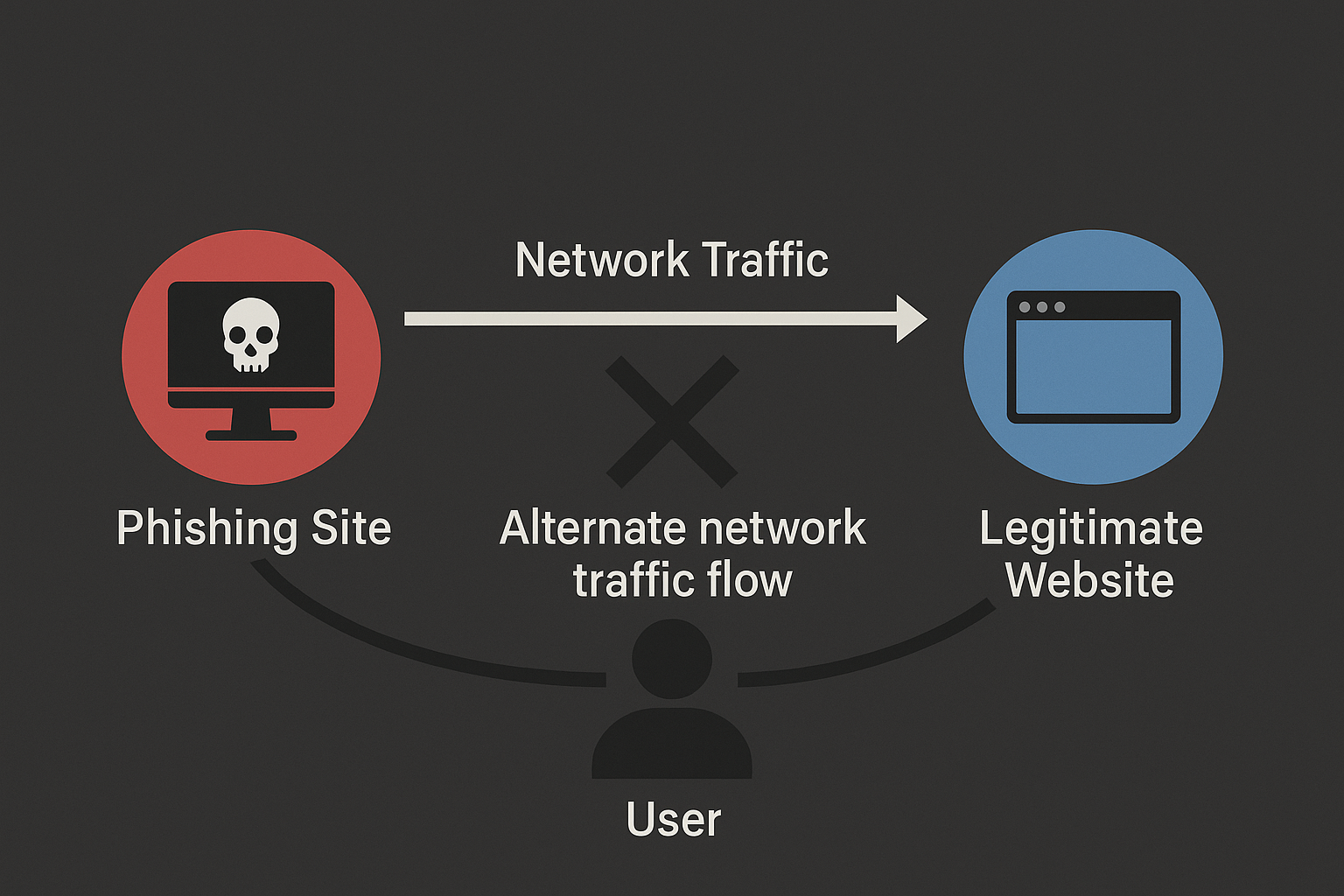
Two ways to use Evilginx 3 community edition with custom (even wildcard) certificates.
Stealthier than Nmap: ShadowProbe
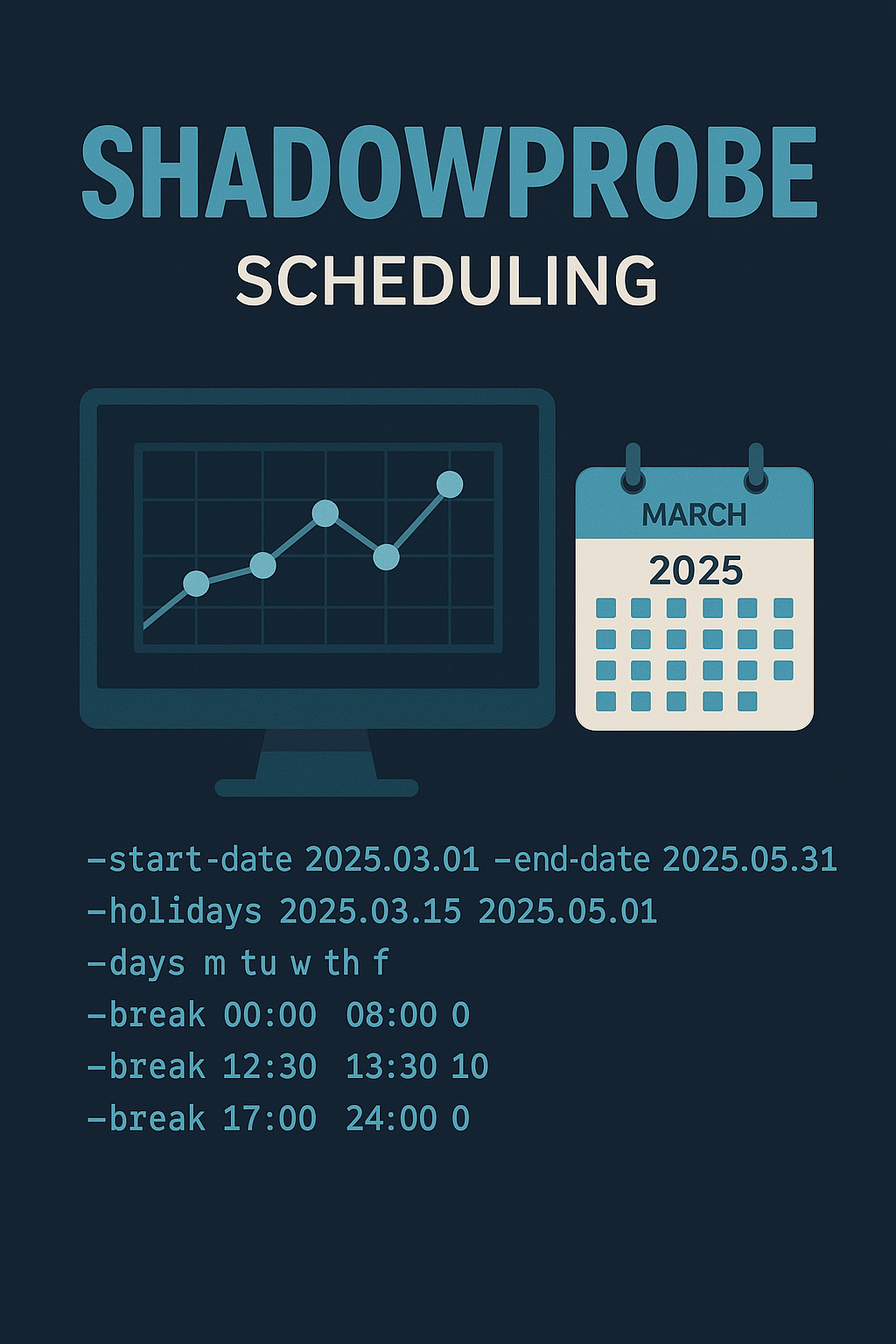
ShadowProbe is a custom-made, TCP-only port scanner designed for multiple targets, featuring an inbuilt scheduler. It is a tool intended to run for days or even weeks once started.
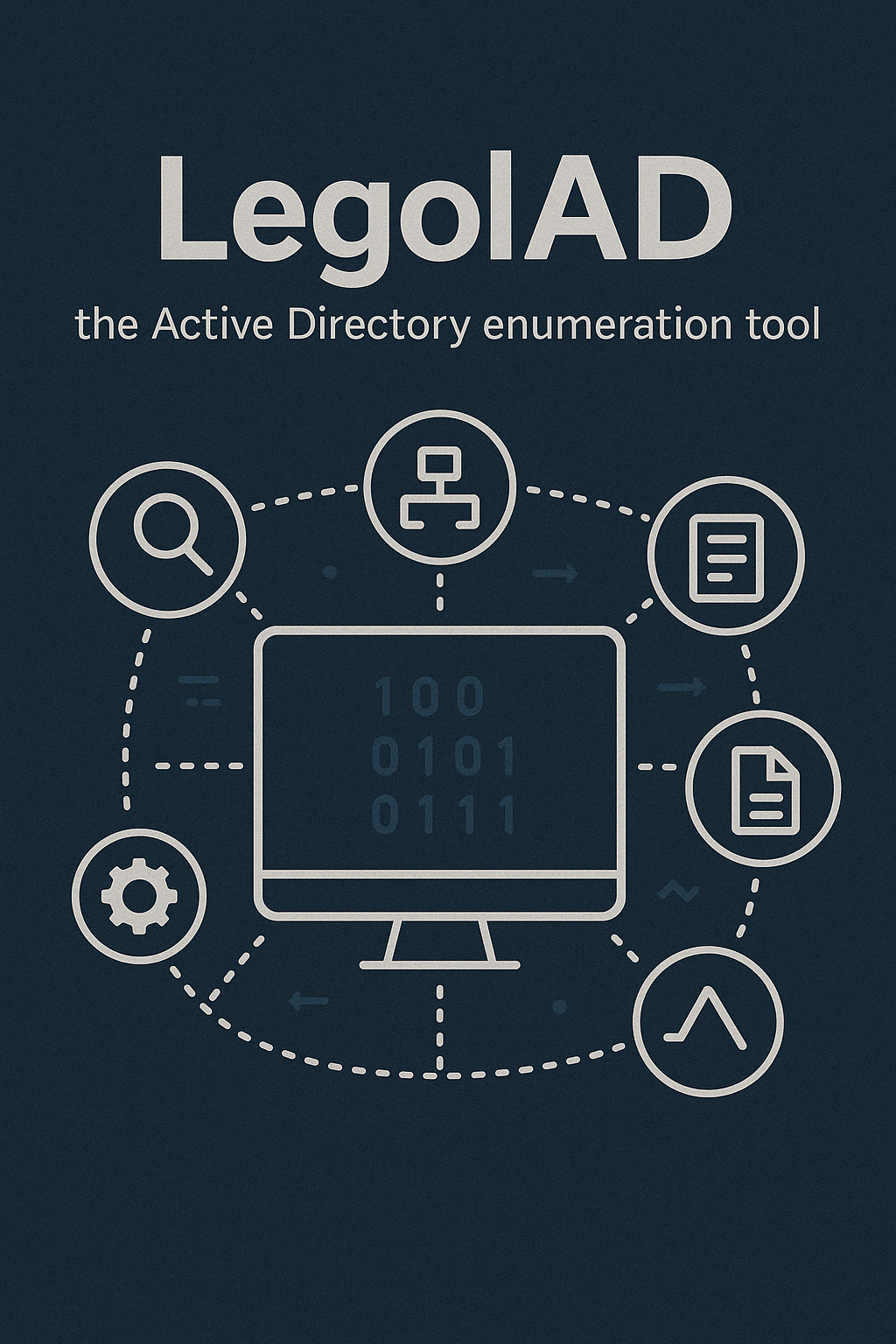
LegolAD is an enumeration tool that allows configurable network traffic for LDAP requests in Active Directory. It can be configured for scope, pagination, and jitter. The idea behind it was to evade detection by custom monitoring systems.
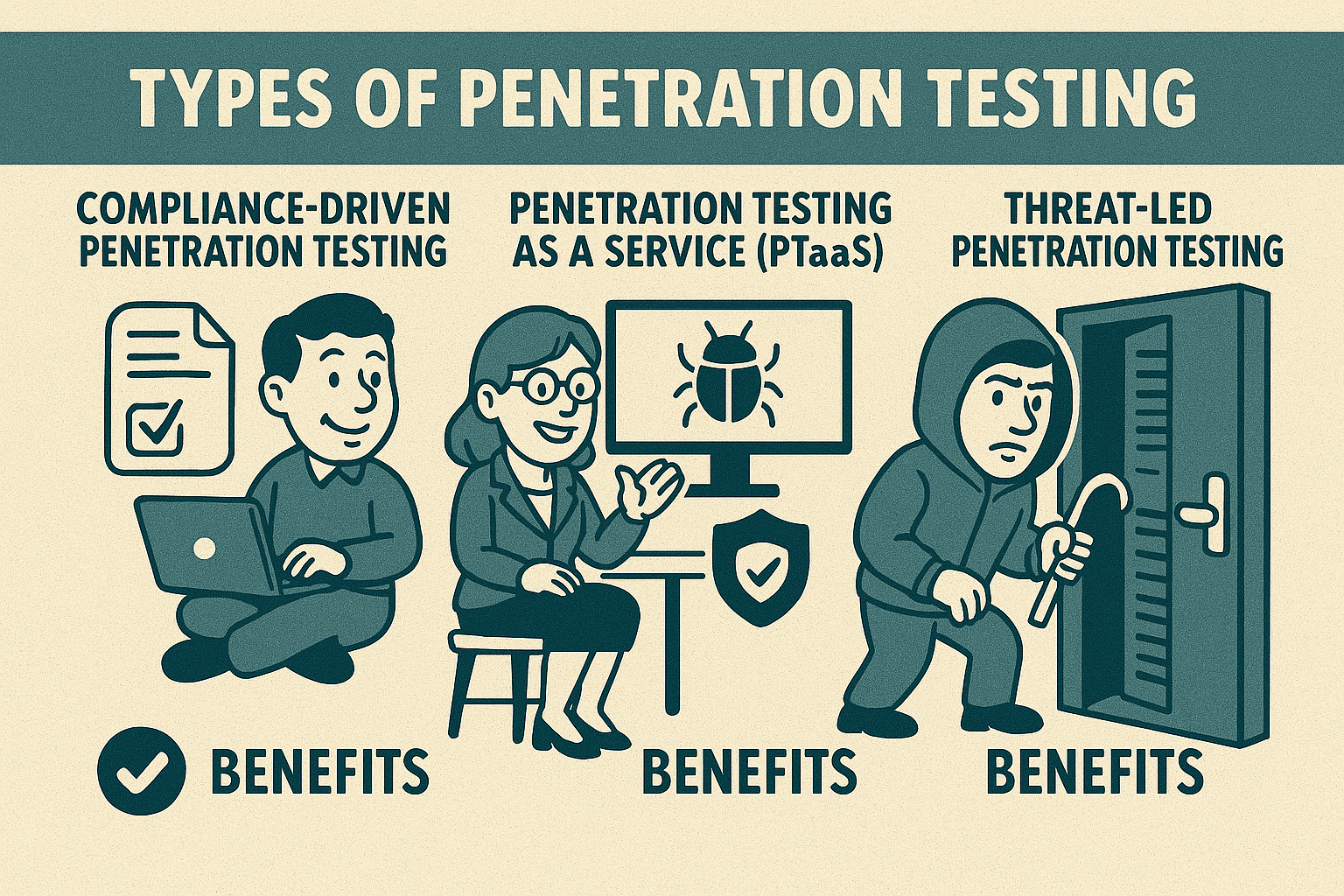
In this article, we’ll explore the different types of penetration tests—compliance-driven, penetration testing as a service (PTaaS), and threat-led testing. We’ll discuss when and why each type is necessary, who benefits from them, and how to determine the best option for your organization’s specific security needs.

AIMS eCrew Authorization Bypass (CVE-2024-44450)
Access control vulnerabilities are still the most common problems in web applications. This blog post summarizes several access control issues we found in our target web application.